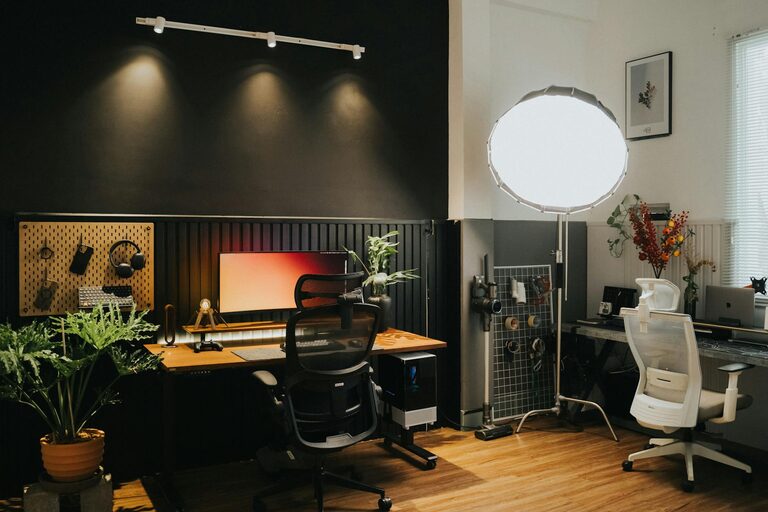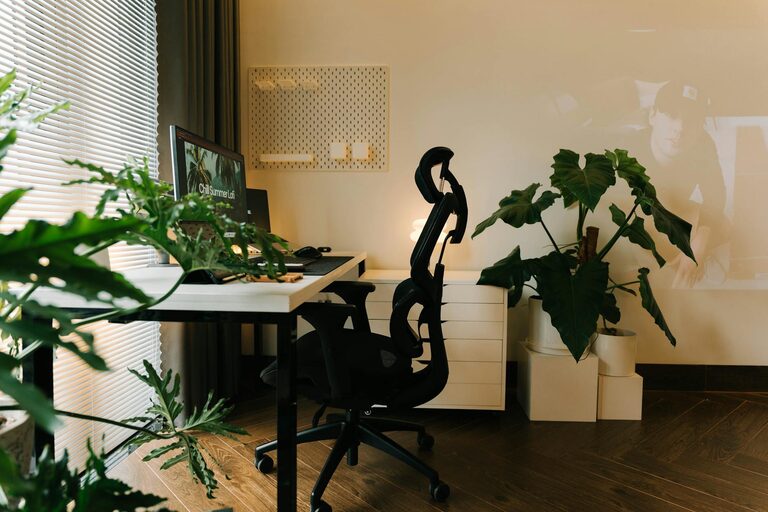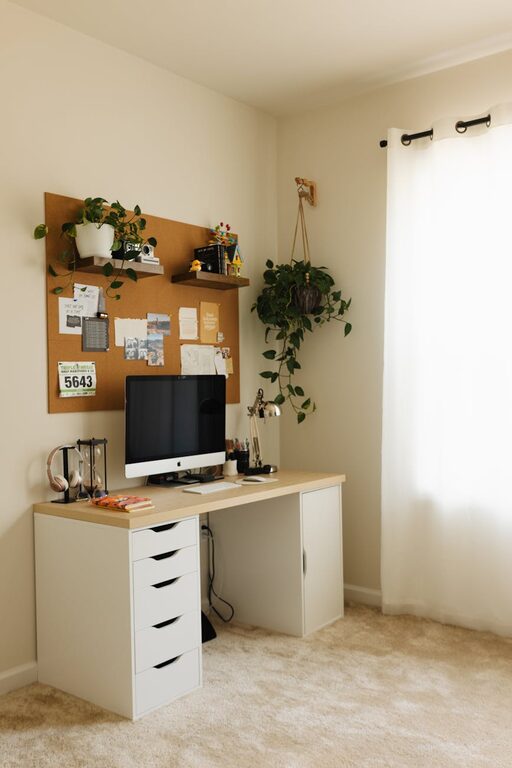

Creating a home workspace that is both cozy and functional can greatly improve your productivity and overall work satisfaction. Whether you work from home full-time or simply need a dedicated area for occasional tasks, designing the right environment can make a big difference. In this post, we’ll share practical tips to help you set up a workspace that feels inviting and supports your work needs.
Why Your Workspace Matters
Your workspace isn’t just where you place your computer—it’s a space that affects your focus, mood, and efficiency. A well-designed workspace minimizes distractions, encourages good posture, and promotes a sense of calm. When you feel comfortable and organized, it’s easier to stay motivated and avoid burnout.
Choose the Right Location
Consider Natural Light
Try to position your workspace near a window to take advantage of natural light. Natural lighting helps reduce eye strain and can boost your mood. If natural light is limited, invest in a good desk lamp with adjustable brightness.
Minimize Noise and Distractions
Select a quiet corner or room where you can concentrate without frequent interruptions. If noise is unavoidable, consider noise-cancelling headphones or white noise machines to help maintain focus.
Select Comfortable and Functional Furniture
Ergonomic Chair
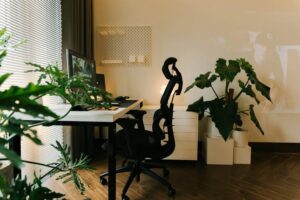
A comfortable chair with good lumbar support is essential. Investing in an ergonomic chair helps prevent back pain and promotes good posture during long work hours.
Desk Size and Storage
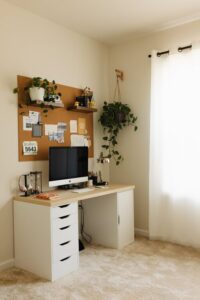
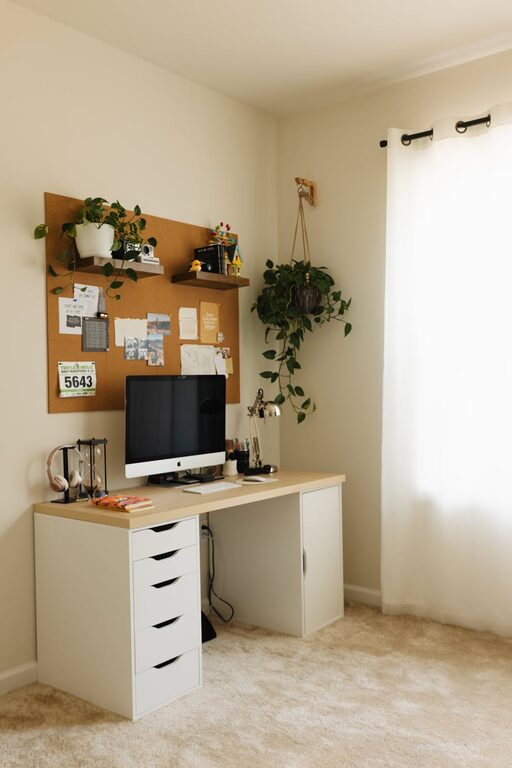
Choose a desk that fits your space while allowing enough room for your essentials—laptop, monitor, notebook, and any tools you use daily. Desks with built-in storage or using separate organizers can keep your items tidy and within reach.
Organize Your Workspace
Declutter Regularly
A clutter-free workspace helps you stay focused and reduces stress. Keep only the items you need daily and store the rest neatly.
Use Storage Solutions
Use shelves, baskets, or drawer organizers to keep supplies, documents, and cables organized. Label containers and have a dedicated spot for each item to avoid a messy desk.
Cable Management
Tidy up cables with clips, ties, or under-desk organizers to prevent tangling and tripping hazards.
Personalize Your Space
Add Comfortable Textiles
Incorporate soft cushions, a cozy throw blanket, or a small rug to add warmth and comfort to your workspace.
Include Plants
Plants bring freshness and a natural touch to your area. They can improve air quality and create a calming atmosphere.
Display Inspiring Items
Add a few personal touches, like photos, artwork, or motivational quotes, to make the space uniquely yours without overdoing it.
Optimize Lighting for Comfort and Focus
Layer Your Lighting
Combine ambient lighting (like ceiling lights) with task lighting (desk lamps) to reduce eye strain and create a balanced environment.
Adjust Screen Brightness
Match your computer or device brightness to your surroundings to avoid glare or tired eyes.
Set Up Technology Thoughtfully
Position Monitors Correctly
Keep your monitor at eye level and about an arm’s length away to prevent neck and eye strain.
Maintain a Clean Digital Workspace
Organize your digital files and use productivity tools to stay on top of tasks.
Create Boundaries and Routine
Define Work Hours
Keep set hours for work to maintain balance and prevent overworking.
Use Physical Boundaries
If possible, use a room divider or arrange furniture to separate your workspace from the rest of your living area.
Maintain Good Air Quality and Temperature
Ventilation
Ensure good airflow in your workspace to stay alert and comfortable.
Temperature Control
Keep the room at a comfortable temperature, adjusting heating or cooling as needed.
Final Thoughts
Designing a cozy and functional home workspace involves balancing comfort, organization, and practicality. By paying attention to lighting, furniture, personalization, and routine, you can create a space that not only helps you work efficiently but also supports your wellbeing. Start small, make adjustments over time, and find what works best for your style and needs. With the right setup, your home workspace can become one of your favorite places to be.