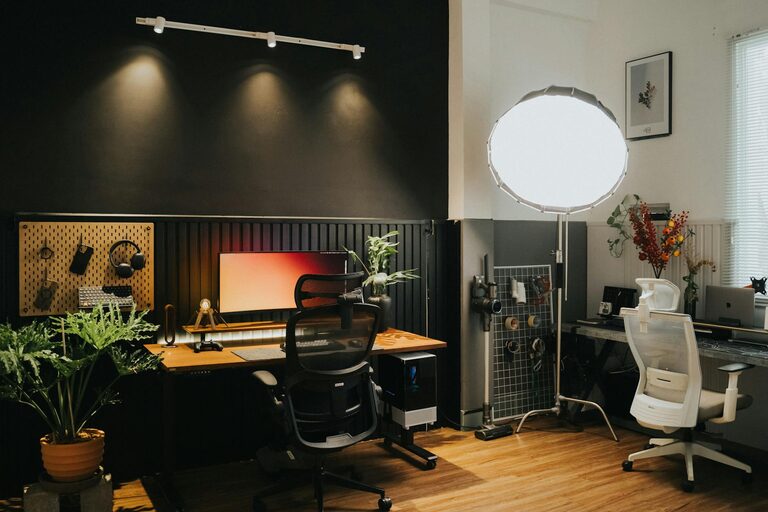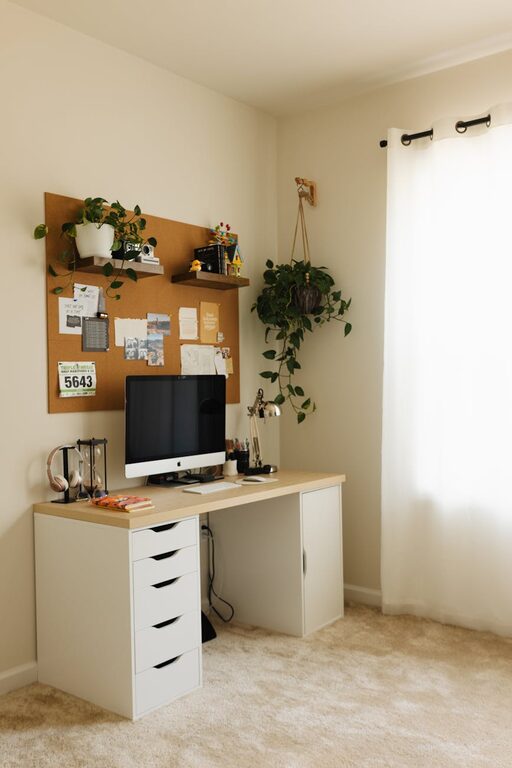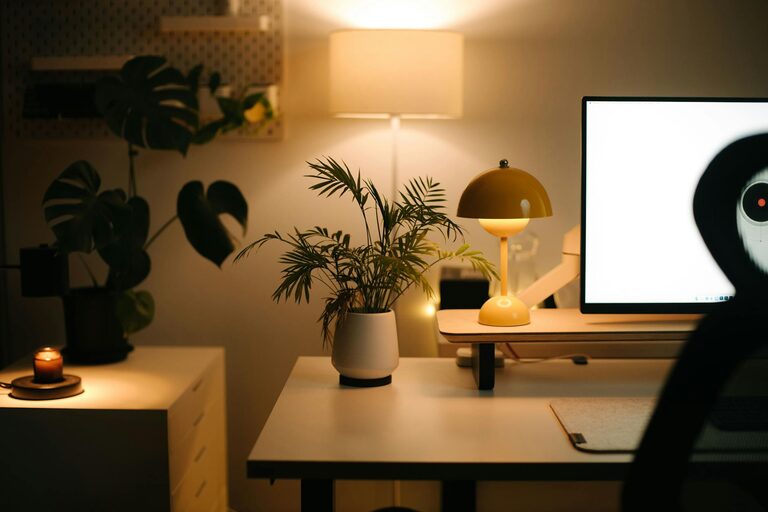
Creating a comfortable and productive home workspace is essential for anyone working or studying from home. A well-designed area helps you stay focused, motivated, and reduces stress. Whether you have a dedicated room or just a small corner, there are simple steps you can take to make your workspace both cozy and efficient.
Why a Cozy Workspace Matters
A cozy workspace is more than just a comfy chair or soft lighting. It invites you to spend time working without feeling drained or distracted. When your environment feels welcoming, you’re more likely to maintain concentration and have a positive attitude toward your work. This balance enhances productivity and overall wellbeing.
Choosing the Right Location
Consider Natural Light
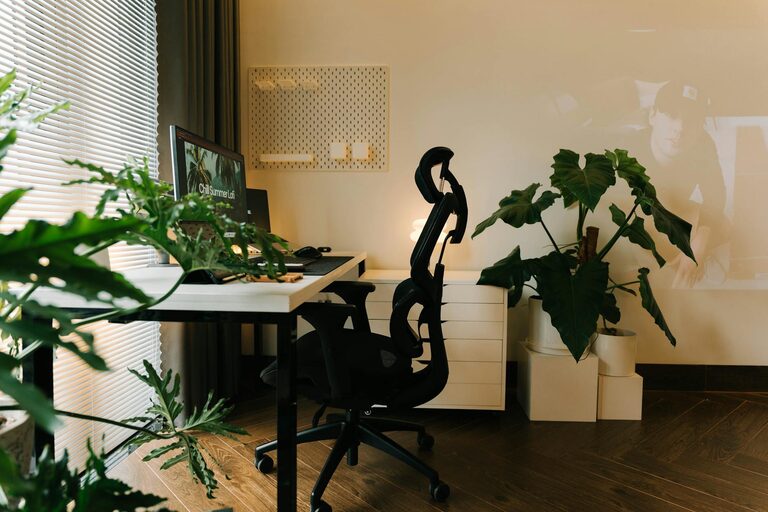
Selecting a spot near a window provides natural light, which improves mood and reduces eye strain. Position your desk where you can enjoy daylight without glare on your computer screen.
Minimize Distractions
Try to choose a quiet area away from heavy foot traffic or noisy appliances. If this isn’t possible, consider noise-canceling headphones or soundproofing measures like rugs and curtains.
Furniture for Comfort and Function
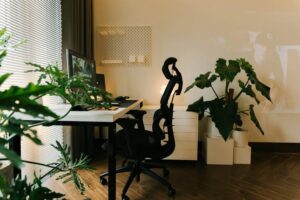
Invest in an Ergonomic Chair
A supportive chair is critical to prevent back and neck discomfort. Look for adjustable features like seat height, lumbar support, and armrests.
Choose a Suitable Desk
Your desk should be spacious enough for your computer, supplies, and any additional items you need. Standing desks or adjustable desks are good options for changing positions throughout the day.
Organizing Your Workspace
Declutter Regularly
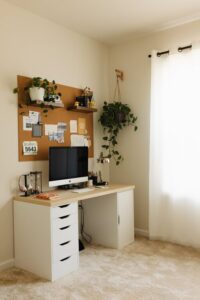
Keep only the essentials on your desk to reduce distractions. Use drawers or storage boxes to hide less frequently used items.
Use Organizers and Shelves
Desk organizers, trays, and shelves help keep papers, stationery, and gadgets tidy and within reach, boosting efficiency.
Personalizing Your Space
Add Comfort Elements
Include accessories like cushions, a cozy blanket, or a footrest. These small additions can make long hours more comfortable.
Incorporate Plants
Indoor plants not only brighten the space but can also improve air quality and reduce stress.
Choose Calming Colors
Soft, neutral, or pastel colors on walls or decoration promote a relaxing atmosphere conducive to focus.
Lighting Tips
Layer Your Lighting
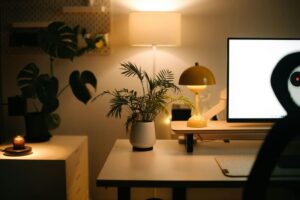
Combine natural light with overhead and task lighting. A desk lamp with adjustable brightness is helpful for detailed work.
Avoid Harsh Fluorescent Lights
Soften your lighting with warm bulbs or lampshades to reduce eye fatigue.
Technology Setup
Manage Cables Neatly
Use cable organizers or clips to keep wires tidy and prevent tangling.
Invest in Quality Equipment
Good headphones, a reliable keyboard, and a comfortable mouse can improve your work experience.
Establishing Boundaries
Set Work Hours
Designate specific times for work and breaks to maintain work-life balance.
Communicate Your Workspace Rules
Let others in your home know your schedule and workspace boundaries to minimize interruptions.
Maintaining Your Workspace
Schedule Weekly Cleanups
Take a few minutes each week to tidy your workspace and reorganize as needed.
Update Your Setup
Periodically assess what’s working and what isn’t, making changes to enhance comfort or productivity.
—
By thoughtfully designing your home workspace with these tips, you can create an environment that feels inviting and supports your daily tasks. A cozy, organized, and well-equipped space makes working from home more enjoyable and productive.