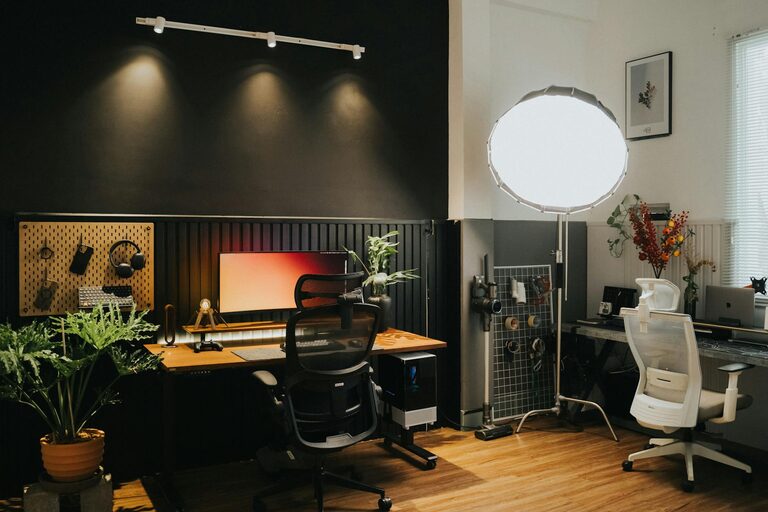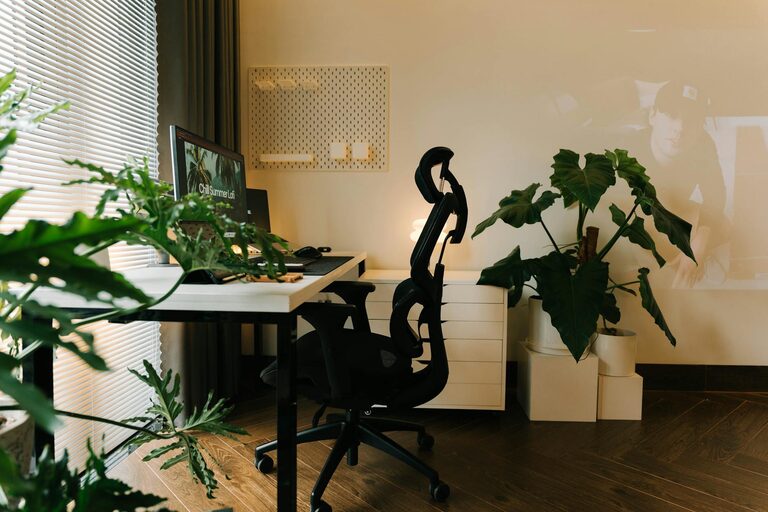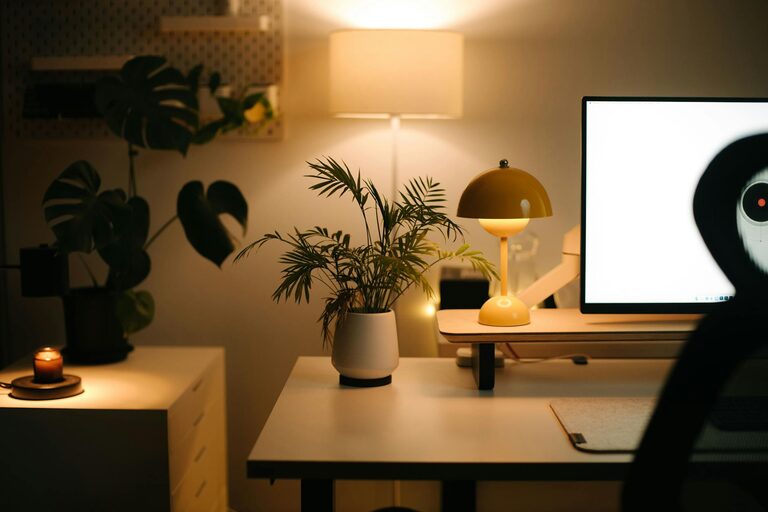

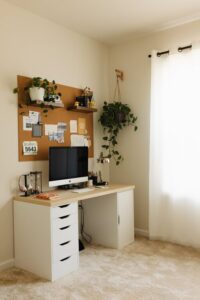

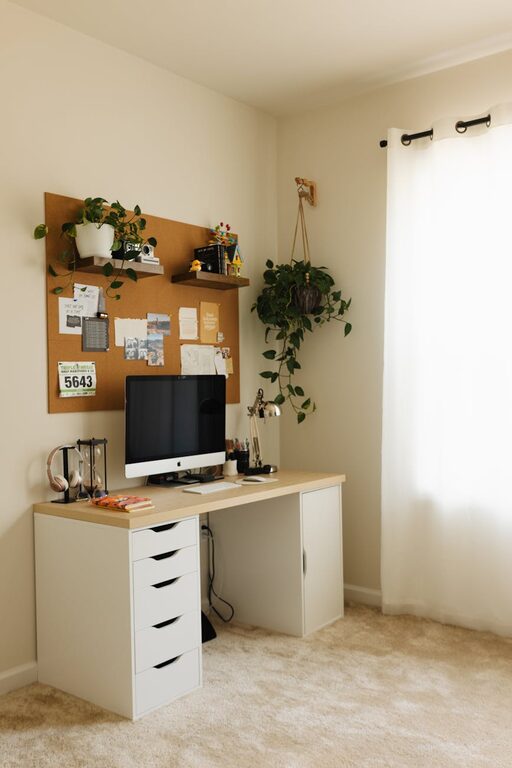
Creating a cozy and functional home workspace is essential for anyone who works or studies from home. A well-designed space can boost your productivity, help maintain focus, and make your workday more pleasant. Whether you have a dedicated room or just a small corner, the right setup can transform your experience. Here are some practical tips to help you create a home workspace that feels comfortable and works efficiently for you.
1. Choose the Right Location
Selecting the best spot for your workspace is the first step. Ideally, pick a quiet area with minimal distractions.
– Natural Light: Position your desk near a window to enjoy natural light, which can improve mood and reduce eye strain.
– Away from Noise: Avoid high-traffic areas where family or roommates frequently pass by.
– Space Considerations: Even a small nook can work if it’s organized well.
2. Invest in Comfortable Furniture
Comfort is key to maintaining focus during long work sessions.
– Ergonomic Chair: Choose a chair that supports your back and encourages good posture.
– Desk at Proper Height: Your desk should allow your arms to rest comfortably while typing.
– Adjustable Options: Consider desks or chairs that can be adjusted for standing or sitting to vary your position.
3. Organize for Efficiency
A cluttered desk can lead to a cluttered mind. Keep your workspace tidy and well-organized.
– Storage Solutions: Use shelves, drawers, and organizers to keep supplies within reach but out of sight.
– Cable Management: Use clips or sleeves to prevent cables from tangling or creating a mess.
– Minimalism: Keep only the essentials on your desk to reduce distractions.
4. Personalize Your Space
Adding personal touches can make your workspace inviting and encourage creativity.
– Decor: Use artwork, plants, or photos that inspire you.
– Colors: Choose calming or motivating colors for your walls, desk accessories, or chair.
– Lighting: Add a desk lamp with adjustable brightness to supplement natural light, especially for evening work.
5. Incorporate Technology Thoughtfully
Technology is essential but should not overwhelm your space.
– Hardware: Invest in reliable devices like a laptop, monitor, keyboard, and mouse suited to your needs.
– Accessories: Use a wireless mouse or keyboard to reduce cable clutter.
– Headphones: Noise-canceling headphones can help if ambient noise is an issue.
6. Maintain a Healthy Environment
Your workspace should support both mental and physical well-being.
– Air Quality: Keep the area ventilated. Adding plants can improve air quality.
– Break Area: Have a spot nearby where you can step away and relax during breaks.
– Movement: Include space for stretching or brief exercises to reduce stiffness.
7. Establish Boundaries
To balance work and home life, clear boundaries help.
– Set Work Hours: Decide and stick to consistent start and end times.
– Communicate: Let household members know when you’re working to minimize interruptions.
– Separate Spaces: When possible, keep work items contained to your workspace to avoid spillover into living areas.
8. Regularly Refresh Your Setup
Over time, your needs might change, and so should your workspace.
– Reassess Layout: Periodically evaluate if your desk placement or furniture works well.
– Update Supplies: Replace worn-out or outdated items.
– Stay Inspired: Refresh decor or lighting to keep the space motivating.
—
Creating a cozy and functional home workspace requires some planning and personalization, but the benefits are well worth the effort. By choosing the right location, investing in comfortable furniture, staying organized, and personalizing your space, you’ll create an environment that supports productivity and well-being. Remember, the best workspace is one that fits your unique work style and helps you feel motivated each day.