Creating a productive home office space is essential for anyone working remotely or managing tasks from home. With the right setup, you can enhance your focus, comfort, and overall work efficiency. Whether you have a dedicated room or a small corner of your house, these tips will help you design an office space that supports your daily productivity.
Choose the Right Location
The foundation of an effective home office starts with location.
– Quiet Area: Select a spot that minimizes noise and interruptions. A room away from high-traffic areas can reduce distractions.
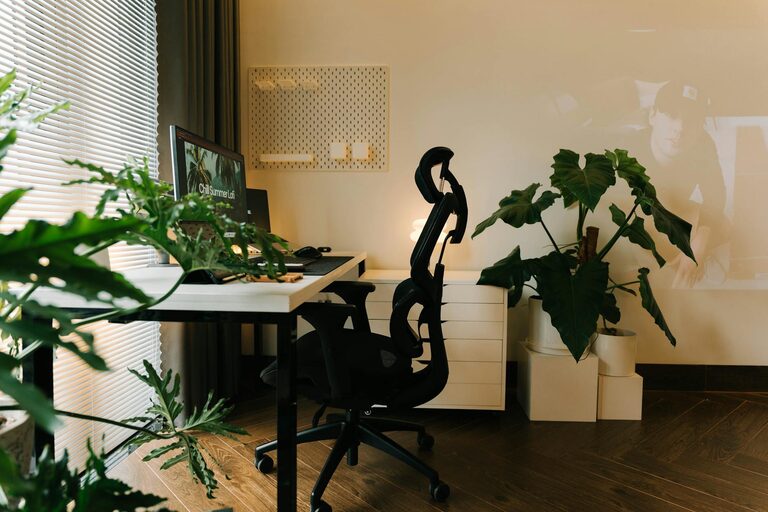
– Natural Light: Position your desk near a window if possible. Natural light can improve mood and reduce eye strain.
– Space for Essentials: Ensure the area has enough room for your desk, chair, and any equipment you need.
Invest in Ergonomic Furniture
Comfort plays a big role in maintaining productivity throughout the day.
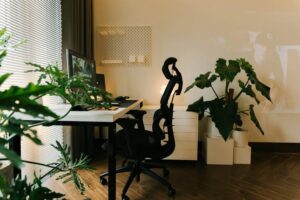
– Ergonomic Chair: Choose a chair that supports your lower back and encourages good posture.
– Adjustable Desk: A desk at the right height helps prevent strain. Consider a standing desk if you want to alternate between sitting and standing.
– Monitor Placement: Place your monitor at eye level to reduce neck and shoulder strain.
Organize Your Workspace Effectively
An organized space reduces stress and makes it easier to focus.
– Declutter Regularly: Keep your desk clear of unnecessary items to maintain a tidy environment.
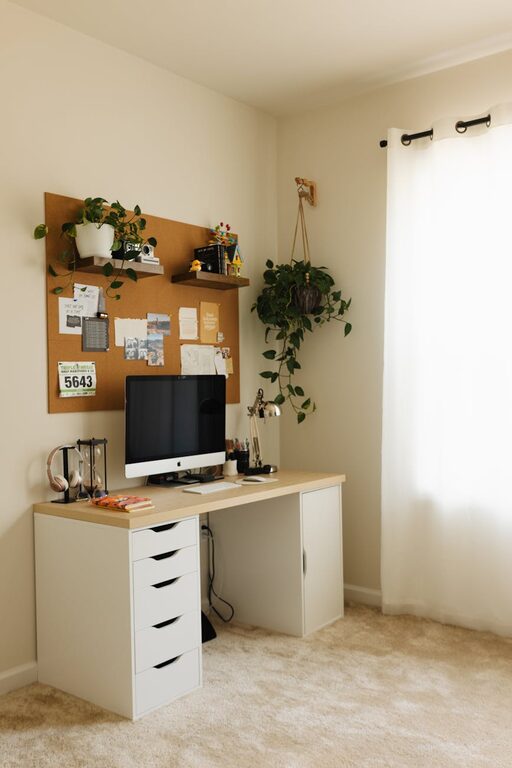
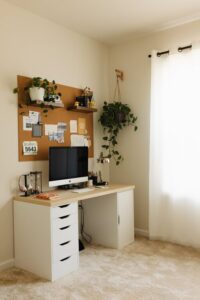
– Storage Solutions: Use shelves, file organizers, or drawers to store documents and supplies neatly.
– Cable Management: Use clips or ties to keep cords under control and prevent a tangled mess.
Maximize Technology and Tools
Having reliable technology and the right tools can improve your workflow.
– Fast Internet: A strong and stable internet connection is crucial for video calls and online work tools.
– Quality Equipment: Invest in a good quality keyboard, mouse, and headphones for comfort and efficiency.
– Software: Use productivity apps and tools that suit your work style, such as calendars, to-do lists, and communication platforms.
Create a Comfortable Atmosphere
A pleasant environment encourages motivation and creativity.
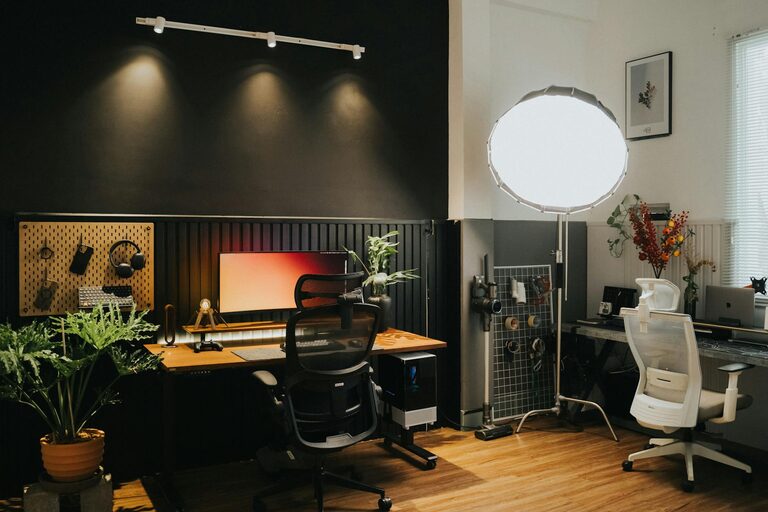
– Personal Touches: Add plants, artwork, or photos to make the space inviting.
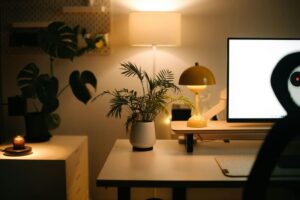
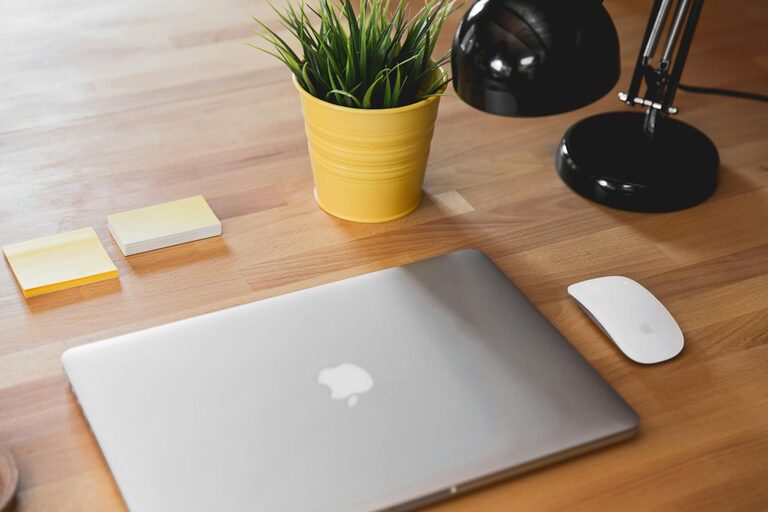
– Good Lighting: In addition to natural light, use adjustable desk lamps to maintain brightness during darker hours.
– Temperature Control: Ensure your workspace is neither too hot nor too cold for comfort.
Set Clear Boundaries
Defining work time and space helps maintain balance between professional and personal life.
– Dedicated Work Hours: Set and stick to regular working hours to avoid overworking.
– Separate Work and Relaxation Areas: If possible, keep your work area distinct from living spaces to mentally separate work from downtime.
– Communicate with Household Members: Make sure others at home understand your work schedule and need for focus.
Establish a Daily Routine
Consistency can boost productivity and help with motivation.
– Start with a Plan: Outline your daily tasks to have a clear roadmap for the day.
– Take Breaks: Regular breaks improve concentration. The Pomodoro technique, involving short bursts of work and rest, is popular and effective.
– End of Day Ritual: Close your workday with a routine that signals the end of work, such as organizing your desk or planning for the next day.
Maintain Good Health Habits
Your wellbeing contributes to sustained productivity.
– Move Regularly: Stretch or walk around to prevent stiffness and improve circulation.
– Stay Hydrated and Eat Well: Drinking water and snacking on healthy foods keeps energy levels stable.
– Eye Care: Follow the 20-20-20 rule—every 20 minutes, look at something 20 feet away for 20 seconds to reduce eye strain.
—
Designing a productive home office is about creating a space that supports your work style and wellbeing. By choosing the right location, investing in ergonomics, keeping organized, and maintaining healthy habits, you can craft an environment that helps you stay focused and motivated every day. Remember, small adjustments often make the biggest difference. Happy working!